PhonePlay
A downloadable tool
Play your phone games on your PC with real keyboard, mouse, and controller.
Pay once. No subscription.
Why this exists
I wanted to play mobile games with a controller. Every existing solution required a phone-side app with accessibility permissions, overlay access, or monthly subscriptions. You had to hand over the keys to your phone to software you don't control.
PhonePlay does it from your PC. The phone doesn't even know the difference.
How it works
- Connect your phone via USB.
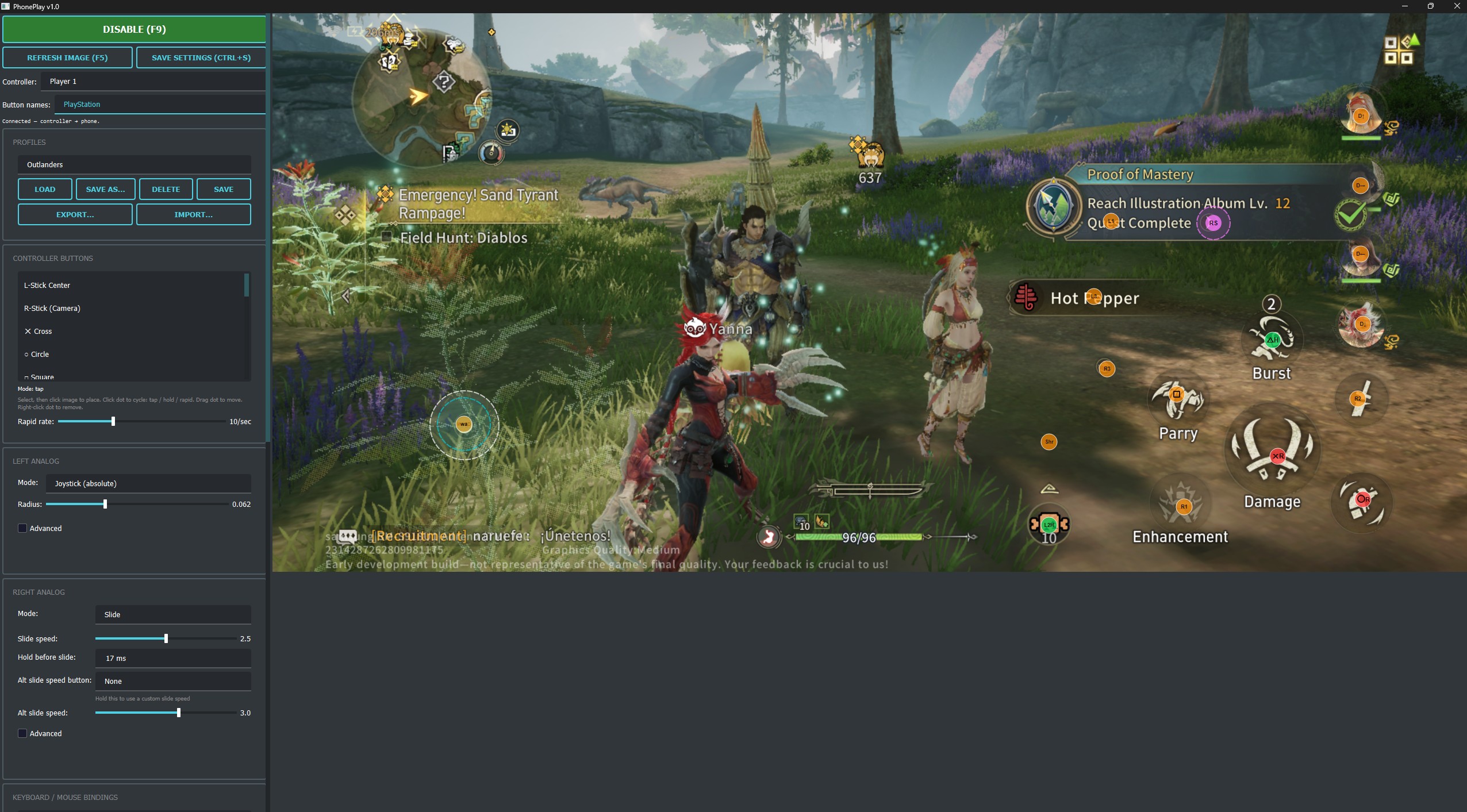
- Launch PhonePlay. A screenshot of your phone appears.
- Drag button mappings onto the game UI.
- Save a profile. Play.
Setup takes under 60 seconds.
What you get
- Full gamepad support. All buttons, D-pad, analog sticks, triggers, thumbstick click.
- Three stick modes. Absolute joystick, slide-style, or virtual-joystick drag. Covers shooters, MOBAs, and action games.
- Mouse and keyboard. Bind any key or mouse button to a screen position. Mouse aim for shooters with adjustable sensitivity and an alt-speed modifier for scoped play.
- Per-button modes. Tap, hold, or rapid fire. One click to cycle.
- Tunable deadzones, Y-axis scaling, drag speed. Dial in exactly how the sticks feel.
- Portable profiles. Coordinates are normalized, so profiles work across phone models. Share a config with anyone.
No emulator. Real hardware.
Your game runs natively on your actual phone hardware. There's no emulator signature, no modified APK, no injected code on the device. PhonePlay sends touch events over USB, the same way Android's own developer tools work.
Stress-tested 72 hours in live ranked play with no bans to date. However, we cannot guarantee you won't be banned. Always check the terms of service for your game before using PhonePlay.
No phone app. One permission. No subscription.
PhonePlay doesn't install anything on your phone. It doesn't request accessibility access, overlay permissions, or storage access. It doesn't run a background service. The only thing you need to enable is USB debugging, a built-in Android developer setting that lets your PC communicate with your phone over the cable. It only works while plugged in, only from a PC you explicitly trust, and you can turn it off anytime.
Compare that to phone-side apps that want always-on accessibility services, screen overlay access, and charge you monthly on top of it.
You pay once. You own it.
Requirements
- Windows 10/11
- Android phone with USB debugging enabled
- USB cable (the one you charge with)
Everything is included. No extra downloads.
Works great with
- Monster Hunter Outlanders. No native controller support? Now it has full gamepad. Build your own keyboard and mouse layout as well if you prefer that.
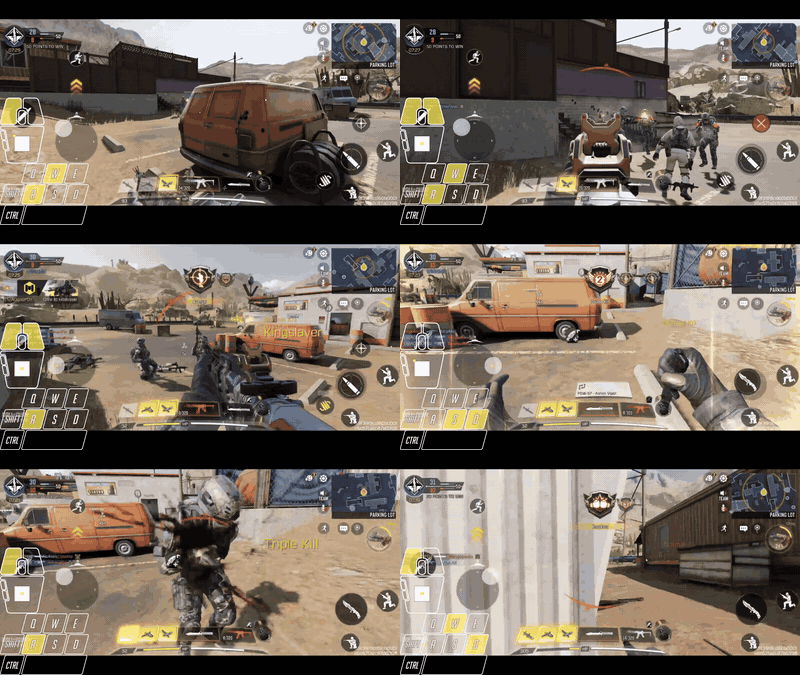
- COD Mobile. Mouse aim on real hardware, no emulator lobby.
- Any Android game. If it runs on your phone, PhonePlay can map it.
Profile sharing
Export your button layout as a single file. Import someone else's. Drop your profiles in the community thread and play what a veteran already dialed in.
Troubleshooting
Troubleshooting
- Windows + XInput device required. PhonePlay maps inputs from XInput controllers (Xbox, most modern third-party).
- DS4 or DualSense controllers need DS4Windows (https://ds4-windows.com/) to translate to XInput.
- Analog sticks reading swapped? Left and right analogs are screen position independent. Place them where you want them.
Purchase
In order to download this tool you must purchase it at or above the minimum price of $9.99 USD. Your purchase comes with a Steam key. You will get access to the following files:
Development log
- PhonePlay 1.719 days ago
- Early Steam Access Live!65 days ago
- Version 1.365 days ago
- Version 1.2 (Steam on the way)98 days ago
- Version 1.1May 04, 2026